I am running Oracle Database 19c in a Docker container on RHEL 8.8 using Docker CE. The container appears to be running fine, but I am experiencing issues with port binding.
Issue Details:
I have two containers running:
PP_CSDB: Port 1521 mapped to host 1521 → Working
PP_MBDB: Port 1521 mapped to host 1524 → Not Working
Running netcat (nc) shows:
nc -v 192.168.56.80 1521 → Connected successfully
nc -v 192.168.56.80 1524 → Connection refused
Environment Details:
OS: RHEL 8.8
Docker Version: Docker version 27.5.1, build 9f9e405
Network Mode: Bridge
Firewalld & SELinux: (Confirmed it disabled)
Troubleshooting Steps Taken:
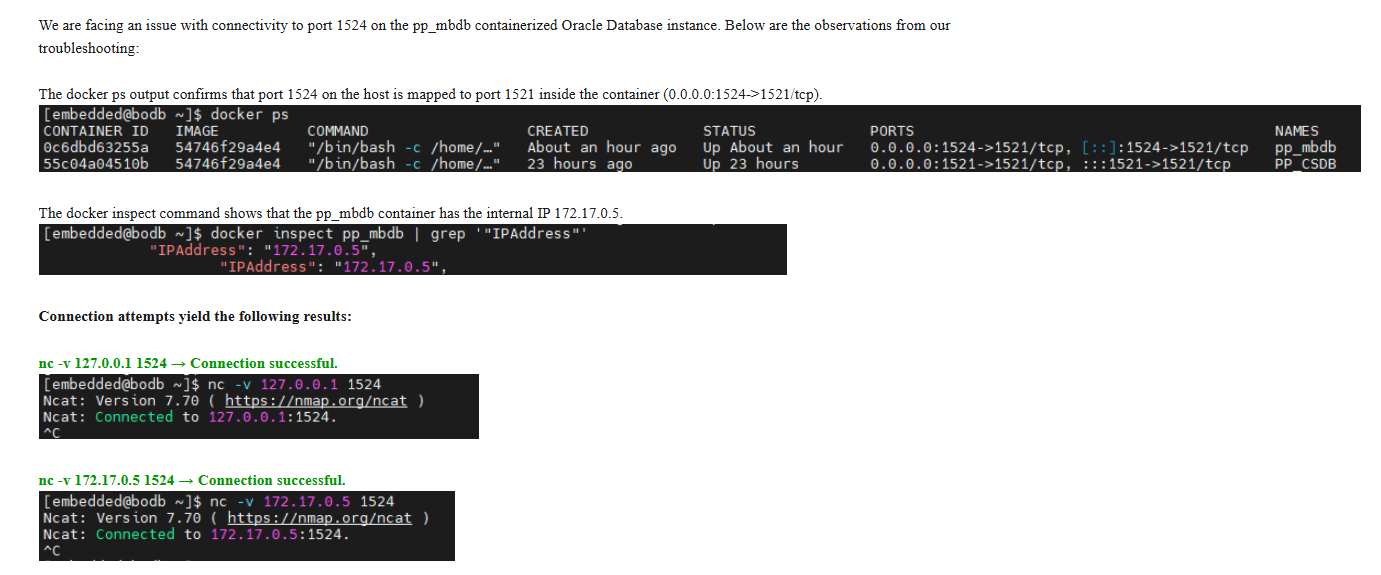
Verified container is running (docker ps).
Checked port bindings using docker inspect.
Tested connectivity with nc.
Checked firewall and SELinux settings.
Restarted the container and Docker service.
Expected Behavior:
Port 1524 on the host should forward connections to port 1521 inside the PP_MBDB container.
Request:
Can you help troubleshoot why the port mapping is not working for PP_MBDB while it works fine for PP_CSDB?
Let me know if you need additional logs or configuration details.
The host port number should not matter and I don’t think it could to Docker. It is just a number from which the request is forwarded to the container the same way as it is done with any other port.
When you check the forwarded ports in the output of docker container inspect CONTAINERNAME, do you see the port that doesn’t work? Can you see any difference in the output when you configure port 1521 or 1524?
One other idea which you I often recommend for testing is running a server without Docker on that port using only python for example as i can easily start a small server:
python3 -m http.server 1524
You could also share your compose file, at least the port mapping part or the command you used to start the container as people often set the ports incorrectly. For example you say you
I like to say we map ports from the host to the container IP or that we forward from the host to the container IP. So the point is that the direction is from the host to the container IP and this is the order of the ports when you do 1524:1521 in compose for example. If you change the right side instead, you will forward port 1521 from the host to port 1524 in the container which will not work as nothing will listen on port 1524 in the container and nothing will listen on port 1524 on the host either.