Volume created in docker compose not listed in volume ls command

I run a couple of containers, one of them has a volume mapped to host folder, after issuing
docker compose up
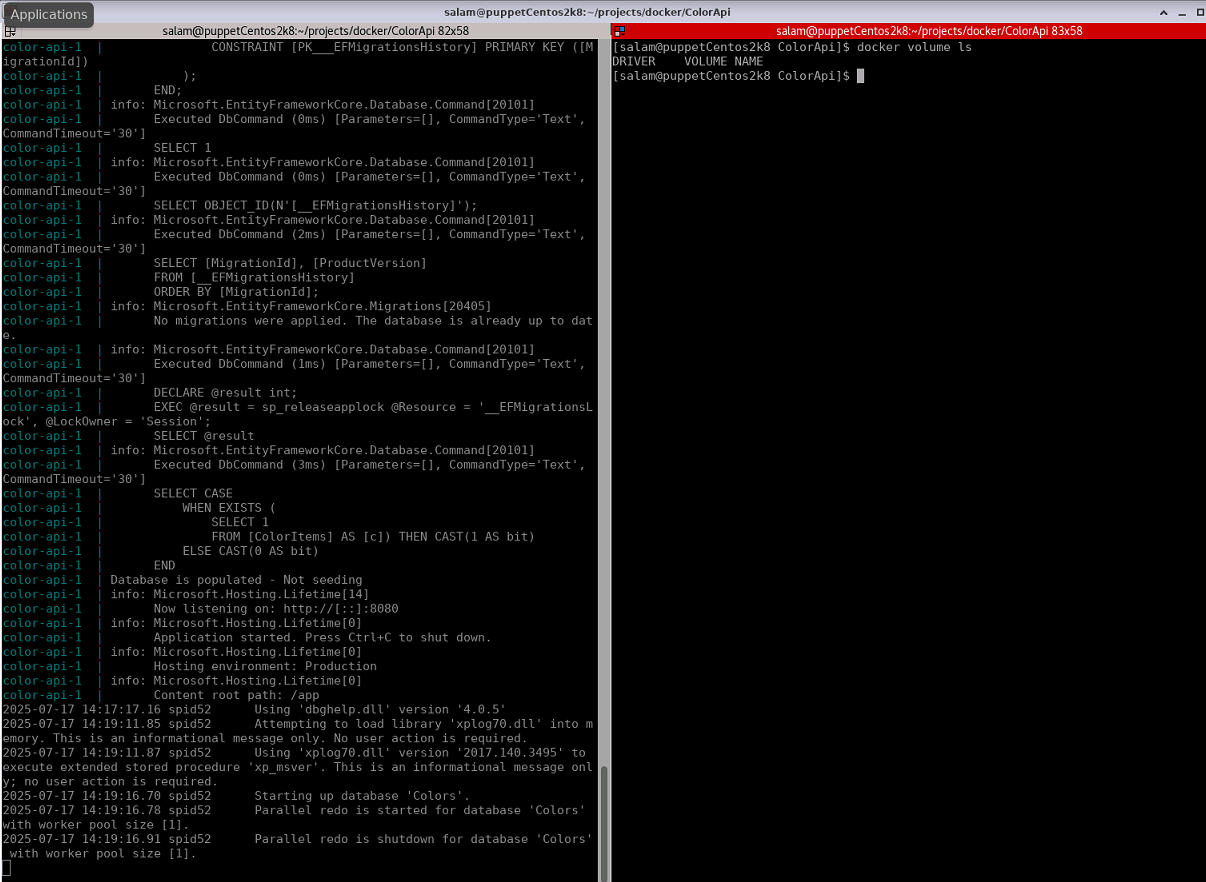
The 2 containers run perfectly, I can see data in the volume fom host and inside container but when I issue
docker volume ls

I get nothing as you can notice in the snapshot. Here is the docker-compose file

version: "3.8"
services:
  sql17:
    image: mcr.microsoft.com/mssql/server:2017-latest
    volumes:
      - /home/salam/projects/sqldata1:/var/opt/mssql
    environment:
      ACCEPT_EULA: "Y"
      SA_PASSWORD: "Pa55w0rd2019"
      MSSQL_PID: "Express"
    ports:
    - "1433:1433"
  color-api:
    build: .
    environment:
      DbServer: "sql17"
    ports:
      - "32768:8080"

This will list named or anonymous volumes. You are using neither of them.
Whenever you specify a path as source, a bind is used, not a volume.

I can see, how it can be confusing that binds and volumes are configured underneath the volumes property using the same syntax.

Here are is an example about named volumes: https://docs.docker.com/reference/compose-file/volumes/#example. It shows how to declare a volume underneath the top level volumes element, and its usage underneath a service’s volumes element.

Furthermore: please stop sharing text content as screenshots, like you have been asked by another moderator of this forum in one of your other topics. Yet, you still continue to do so. Why?
This topic was automatically closed 30 days after the last reply. New replies are no longer allowed.