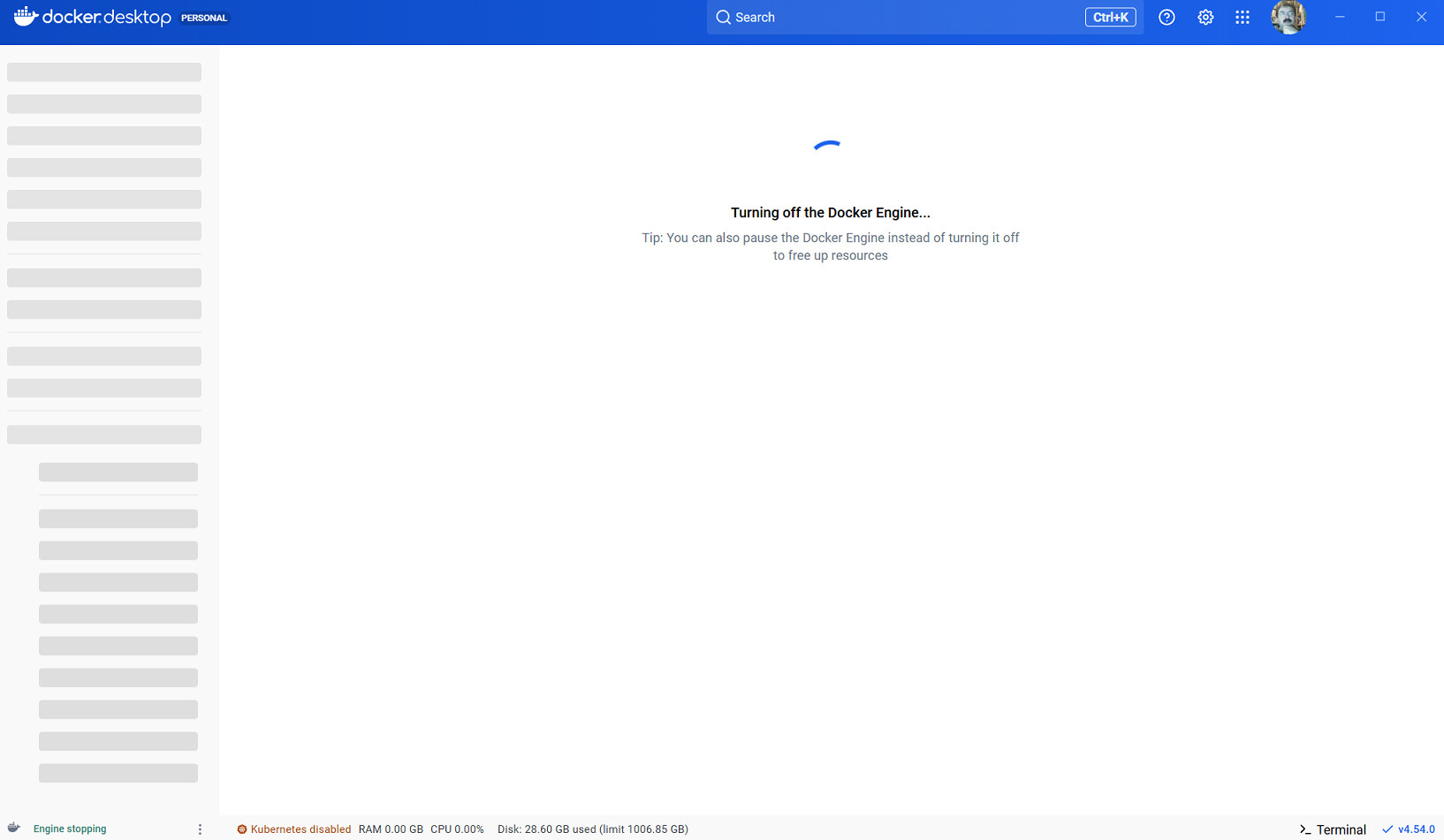
I have DD 4.54 that runs very well in “Linux containers “ mode. I try to switch to windows containers, I get “Privileged helper service is not running”. I searched in the services panel, there is no such service
Based on your other topics, I assume it happens on Windows 10. I couldn’t find if it is Pro or Home. According to the requirements documentation, only Pro, Enterprise and Education versions are supported, probably because there is an extended security updates program for Win10 at Microsoft.
I only have Windows 11. I got the first error message, but the helper script could start properly after clicking on Start. I can only recommend trying the “GAther diagnostics” button which will likely take you to the documentation which explains where and how you can report Docker Desktop issues.
If you can’t find a diagnostics button anymore, here is the documentation I think it would take you to
Also, just to confirm, did you have administrative privileges when installing Docker Desktop?
You don’t need admin privileges to run Docker Desktop, but you do need them during installation. This is especially important in your case because the privileged helper service runs with SYSTEM-level permissions to support Windows containers (which require deep integration with Windows, unlike Linux containers that run inside a VM).
If Docker Desktop was installed without admin rights, the privileged helper service may not have been created correctly.
[2025-12-12T09:17:47.009834300Z][com.docker.diagnose.exe.public] com.docker.backend is not running so starting a local HTTP proxy
Uploaded diagnostics to: https://docker-pinata-support.s3.amazonaws.com/incoming/3/09777C54-E71E-4BED-A514-5F81A9DCC7BD/20251212090658.zip
Diagnostics ID:     09777C54-E71E-4BED-A514-5F81A9DCC7BD/20251212090658 (uploaded)
I don’t know if you have access to this file but I have copy in my profile which I can share with you the full zip file and here I extracted the diag file
I don’t think it would be necessary as @kekcheeyoung413 seems to be from Docker.
Regarding diagnostics data, it showscommands timing out. I don’t know if it is related, but I also found this:
[2025-12-12T09:07:55.473830100Z][com.docker.diagnose.exe][W] C:\Windows\System32\winevt\Logs\Microsoft-Windows-Host-Network-Service-Admin.evtxopen C:\Windows\System32\winevt\Logs\Microsoft-Windows-Host-Network-Service-Admin.evtx: Access is denied.
I am not exactly sure if that specific access denied error is normal or not.I assume it would just include Windows system events when the current user has access to it. But these are the “deadline exceeded” messages
I wonder how a tasklist command can exceed contxt deadline
Is it possible you don’t have enough resources to run the diagnostics and that same resource issue causes the the problem with switching to Windows containers?
I’m not sure. I don’t really know which parametr is for what. I could only recognize some.
I don’t remember recommending that, but not impossible. If I recommended that, I must have known more than I do today. I see another file called windows-daemon.json. The npipe and the data-root you have in your daemon config seems to be for Windows containers, but as far as I know, daemon.json is for Linux, so I am a little confused. Do you have a windows-daemon.json as well?
I get it now. I was writing about the config files in the .docker folder under my user profile while you were writing about the Docker folder which is for Windows containers only.
I have the same pipe in my config file so it will not take us closer to the solution.
No. But my knowledge about Windows containers will not be enough here, so let’s see if @kekcheeyoung413 have time tomorrow to look at your logs, or you can go straight to GitHub
Hi @eliassal I managed to check the logs and I think we can try a quick test to rule out whether the windows-daemon.json file is causing the issue. The custom data-root (H:\dockerStorage) is not the default configuration, so reverting to the default may help us narrow things down.
Could you try the following:
Completely close Docker Desktop.
Navigate to the file: C:\ProgramData\DockerDesktop\docker\windows-daemon.json
Back up the file by renaming it to something like: windows-daemon.json-bk-<today's-date>
Restart Docker Desktop – this should recreate the daemon config file with default settings.
Test whether switching between Linux and Windows containers now works as expected.
This should allow Docker Desktop to regenerate a clean default config, and it will help us determine if the issue is related to the current configuration.