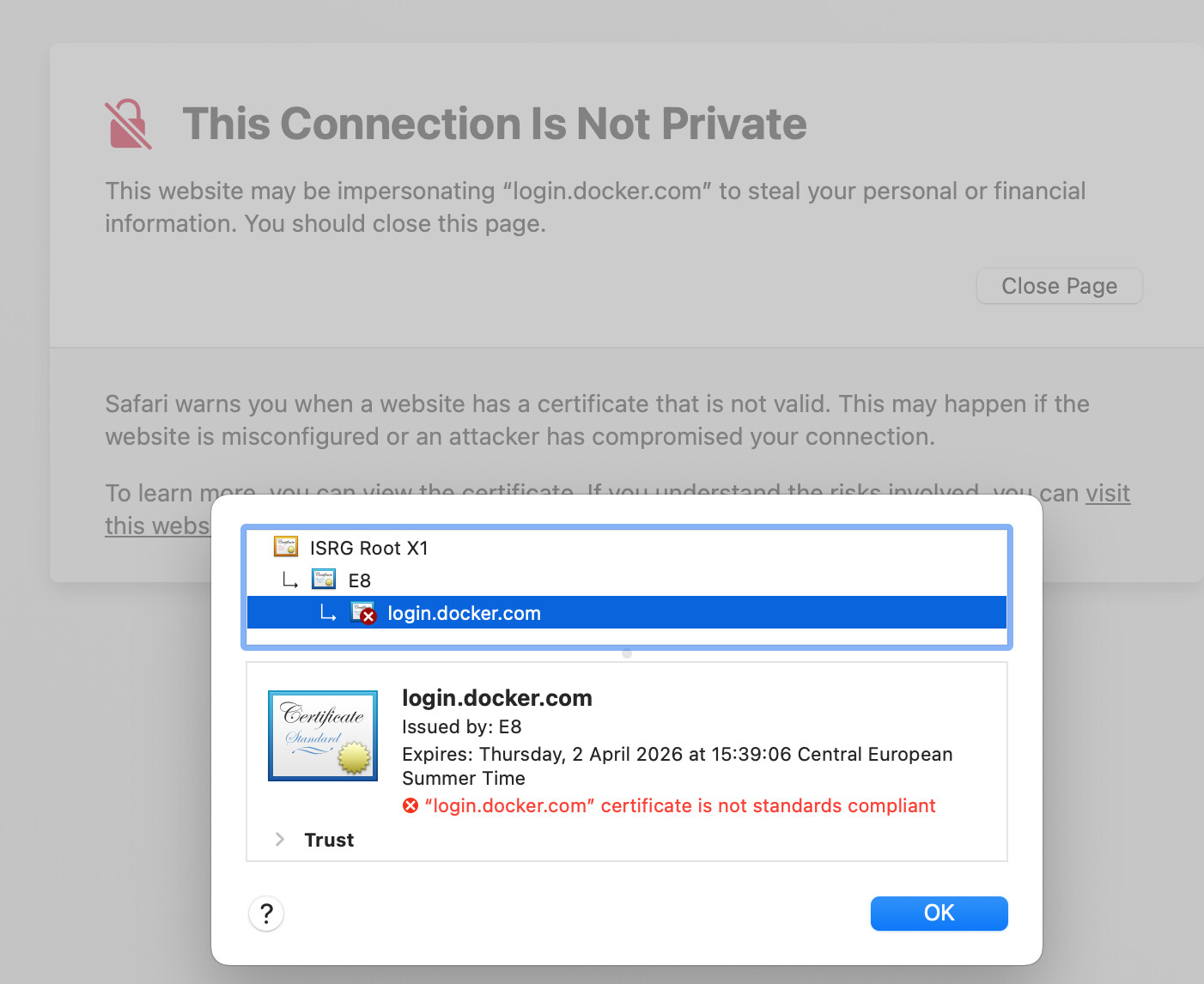
I am unable to sign in to Docker Desktop on macOS 15.7.3 and Safari 26.2
The “login.docker.com” website is reported as having a “certificate is not standards compliant”.
Share and learn in the Docker community.
I am unable to sign in to Docker Desktop on macOS 15.7.3 and Safari 26.2
The “login.docker.com” website is reported as having a “certificate is not standards compliant”.
E8 is Let’s Encrypt. The following command shows the certificate info
curl -vvvv https://login.docker.com 2>/dev/stdout | grep 'Server certificate:' -A6
Output:
* Server certificate:
*  subject: CN=login.docker.com
*  start date: Jan  2 13:39:07 2026 GMT
*  expire date: Apr  2 13:39:06 2026 GMT
*  subjectAltName: host "login.docker.com" matched cert's "login.docker.com"
*  issuer: C=US; O=Let's Encrypt; CN=E8
*  SSL certificate verify ok.
I’m also from macOS without any problem, but mine is macOS 26.2. Maybe there is something in the latest Let’s Encrpt certificates that the older macOS didn’t support?
What happens when you try to open https://login.docker.com directly from Safari and from any other browser you have (If you have any other). It worked for me from Safari 26.2 and my Google Chrome as well.
Hey Akos,
the Docker login website was the first one I had problem with in Safari. Meanwhile, Safari shows this error on many other websites. It appears there’s some problem on my macOS with Certificate Transparency checking.
curl -vvvv https://login.docker.com 2>/dev/stdout | grep 'Server certificate:' -A6

* Server certificate:
*  subject: CN=login.docker.com
*  start date: Jan  2 13:39:07 2026 GMT
*  expire date: Apr  2 13:39:06 2026 GMT
*  subjectAltName: host "login.docker.com" matched cert's "login.docker.com"
*  issuer: C=US; O=Let's Encrypt; CN=E8
*  SSL certificate verify ok.
The certificate is correct.
This issue can be closed as it’s not a problem with Docker TLS certificate.